
Download NSIS – Installer, Setup, Software, Developer, Tool, Scripting, Nullsoft, NSIS, Free, Open-Source, Utility, Windows, Windows Installer, Setup Creator
Overview
NSIS, or Nullsoft Scriptable Install System, is a powerful and free tool designed specifically for software developers to create custom installers for their applications. Built with flexibility and efficiency in mind, NSIS enables developers to script and control every aspect of the installation and uninstallation process. Its primary purpose is to streamline software distribution by delivering a consistent, reliable, and branded installation experience across Windows platforms. The tool is especially valuable for developers seeking to automate setup procedures while maintaining full control over user interface elements, file placement, registry entries, and post-installation actions.
NSIS solves common challenges in software deployment, such as inconsistent installation behavior, missing dependencies, and poor user experience during setup. By allowing developers to define precise installation steps through a lightweight scripting language, it ensures reproducibility and reliability. This makes it ideal for both indie developers and larger development teams aiming to distribute applications with minimal friction. Real-world use cases include packaging standalone applications, integrating updates, managing multiple installation types (e.g., full, custom, silent), and handling uninstallation cleanly. In the broader software development ecosystem, NSIS plays a critical role in ensuring that end users receive a professional-grade setup process without relying on third-party tools.
Developed by Nullsoft, a well-known name in the software tools space, NSIS benefits from a long-standing reputation for stability and community support. The tool has been widely adopted due to its open-source nature and low resource footprint. While the developer did not provide additional technical details about future updates or roadmap, its continued availability and use across various projects highlight its enduring relevance in modern software development workflows.
Key Features & Functionality
- Comprehensive Customization Options: NSIS allows developers to fully customize the installer’s appearance and behavior. This includes modifying colors, fonts, layout, and even integrating custom dialogs. Developers can align the installer’s look with their application’s branding, enhancing perceived professionalism and user trust.
- Multiple Installation Types: The tool supports various installation modes—standard, custom, silent, and unattended—making it adaptable to different deployment scenarios. It also enables version-specific installations and rollback mechanisms for failed setups.
- Scripting-Based Control: Using a simple yet powerful scripting language, developers can define installation steps, file copying, registry modifications, shortcuts creation, and post-installation tasks. This scriptability ensures that complex workflows can be automated with precision.
- Efficient and Fast Installation: Installers generated by NSIS are optimized for speed and minimal resource usage. The resulting setup files are compact and execute quickly, reducing user wait time and improving satisfaction.
- Robust Uninstallation Support: NSIS includes built-in support for clean uninstallation. It tracks installed components and removes them systematically, preventing orphaned files and registry clutter.
For example, a developer creating a multimedia application can use NSIS to include a custom license agreement screen, install specific codecs, create desktop shortcuts, and register file associations—all through a single script. Similarly, enterprise software teams can leverage NSIS to deploy updates silently across multiple machines, ensuring consistency and reducing administrative overhead.
Interface, UX & Performance
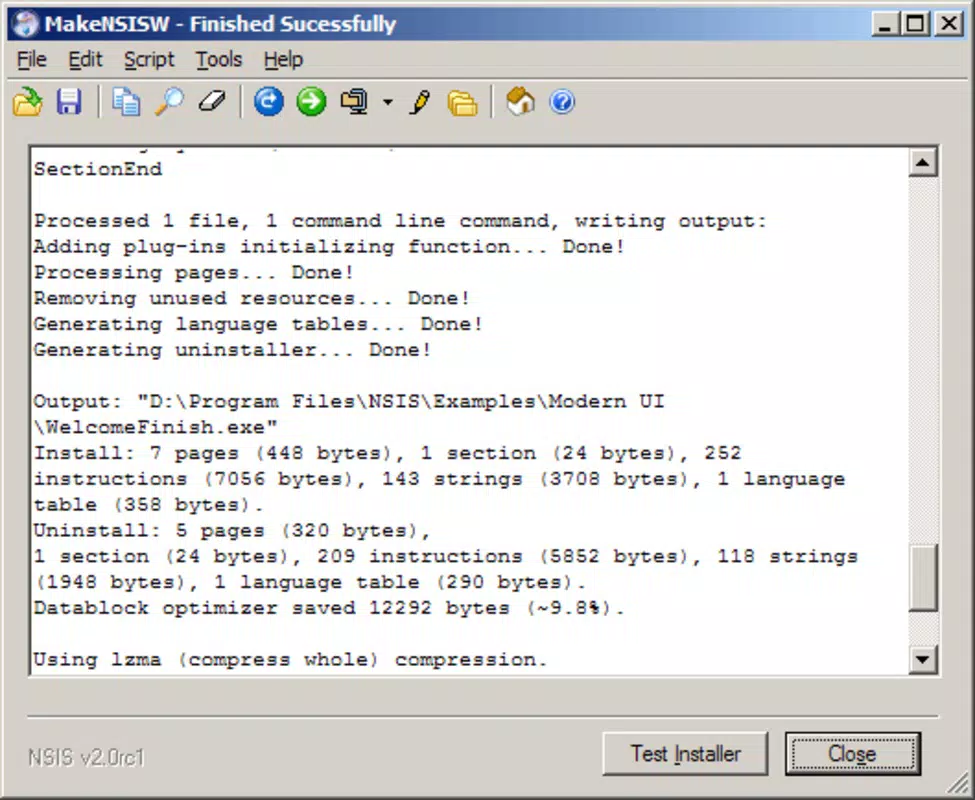
NSIS does not feature a traditional graphical user interface for end users. Instead, it operates through a command-line interface and scripting environment, which is standard for developer tools. The installer itself, once built, presents a clean, minimal interface that focuses on usability without unnecessary distractions. Navigation is straightforward, typically following a linear progression through setup steps, with clear visual cues and optional customization options.
Although the developer did not list formal performance metrics, the tool is known for generating lightweight installers that consume minimal system resources during execution. The installer’s responsiveness is consistent across various Windows device categories, from older systems to modern machines. Stability is maintained through a mature codebase and extensive community testing. The tool handles edge cases such as interrupted installations and permission errors gracefully, ensuring that the setup process remains reliable under different conditions.
For developers, the learning curve is manageable due to the intuitive syntax of the scripting language and the availability of documentation and community examples. The overall user experience is geared toward efficiency and control rather than visual polish, which aligns with its target audience of technical users and software engineers.
Platform Compatibility & Technical Requirements
NSIS is designed exclusively for the Windows platform and is compatible with all major versions of Windows operating systems. The current version, 3.08, is available as a lightweight package with a file size of 1.1 MB, making it easy to download and install on any Windows device. The tool is free to use and does not require any licensing fees or subscriptions.
Specific requirements were not listed. The developer did not specify minimum OS requirements or hardware constraints. However, given its small size and reliance on standard Windows components, NSIS is expected to run smoothly on most modern and legacy Windows systems. Compatibility information was not fully disclosed, so users should ensure their environment supports the execution of scripts and installer binaries.
Pros and Cons
Pros
- Completely free and open-source, with no hidden costs or limitations.
- Highly customizable installation and uninstallation processes.
- Compact installer size and efficient execution performance.
- Supports multiple installation types, including silent and custom setups.
- Well-established reputation and active community support.
Cons
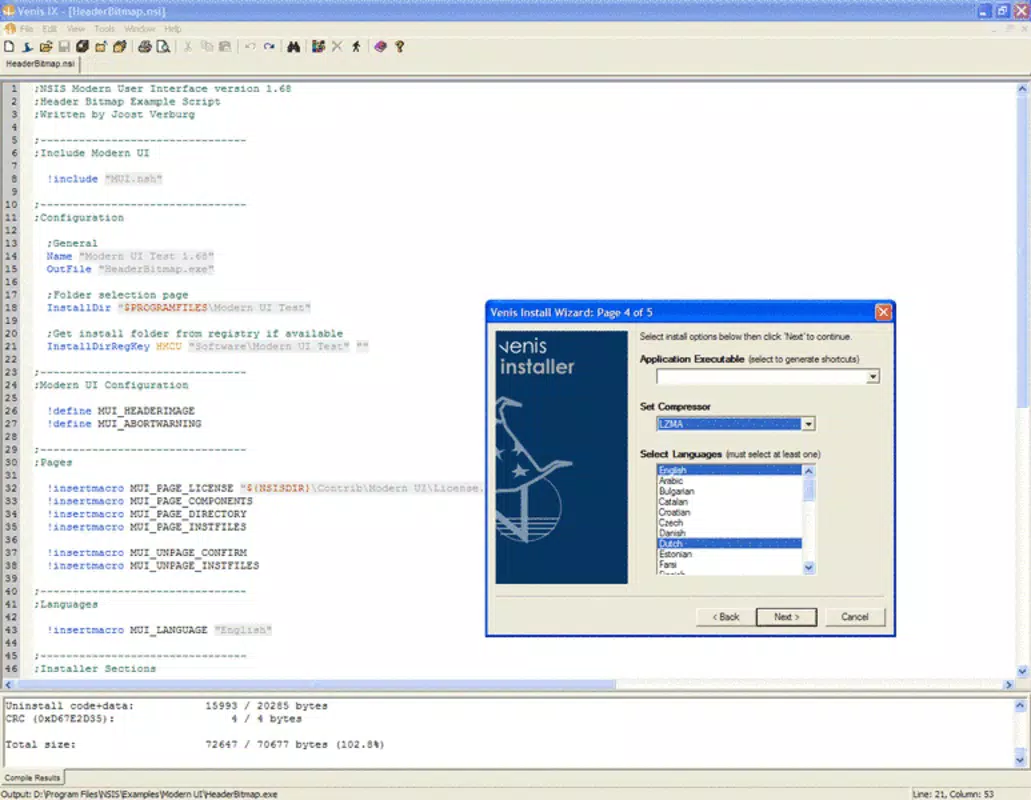
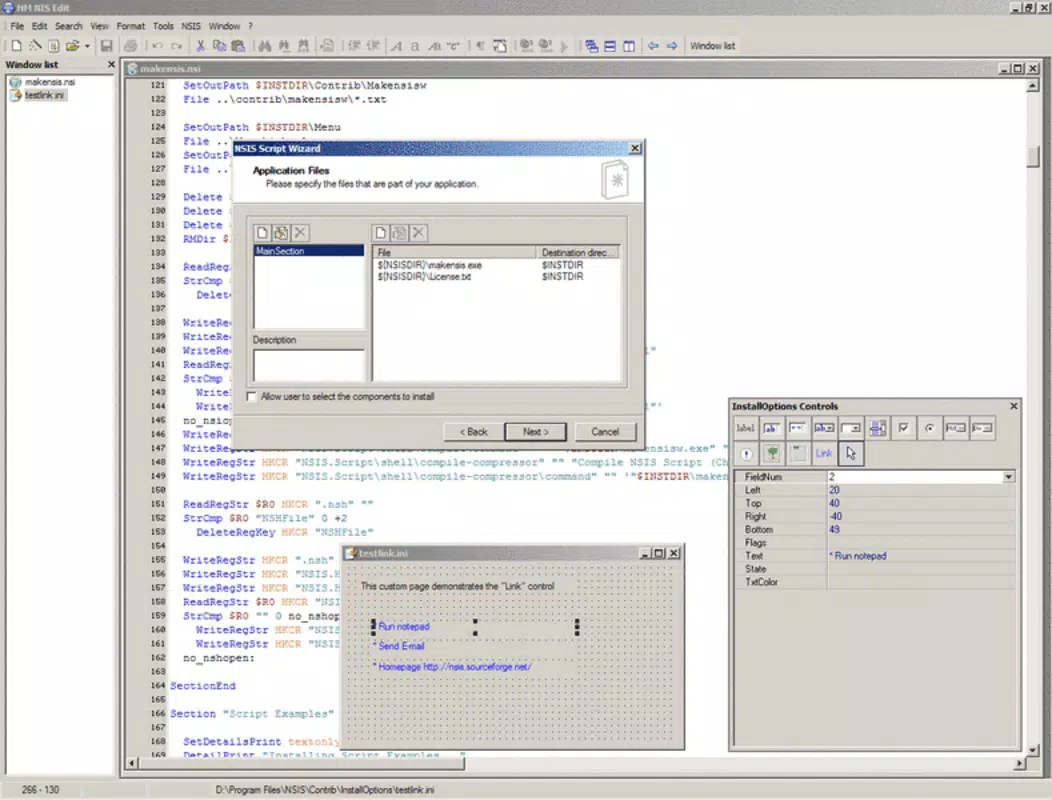
- No built-in GUI for script editing; requires external tools or text editors.
- Learning curve for users unfamiliar with scripting languages.
- Limited to Windows platform; not available for Android or iOS.
- Documentation, while extensive, may be overwhelming for beginners.
- Updates and new features are not frequently announced.
FAQ
Is NSIS safe to use?
Yes, NSIS is a trusted, open-source tool developed by Nullsoft. As long as you download it from official sources, it poses no security risks.
Can I use NSIS for commercial software?
Yes, NSIS is free to use for both personal and commercial projects. There are no restrictions on distribution or monetization.
Is NSIS available for macOS or Linux?
No, NSIS is currently only available for Windows. There are no official versions for macOS or Linux.
How do I update NSIS?
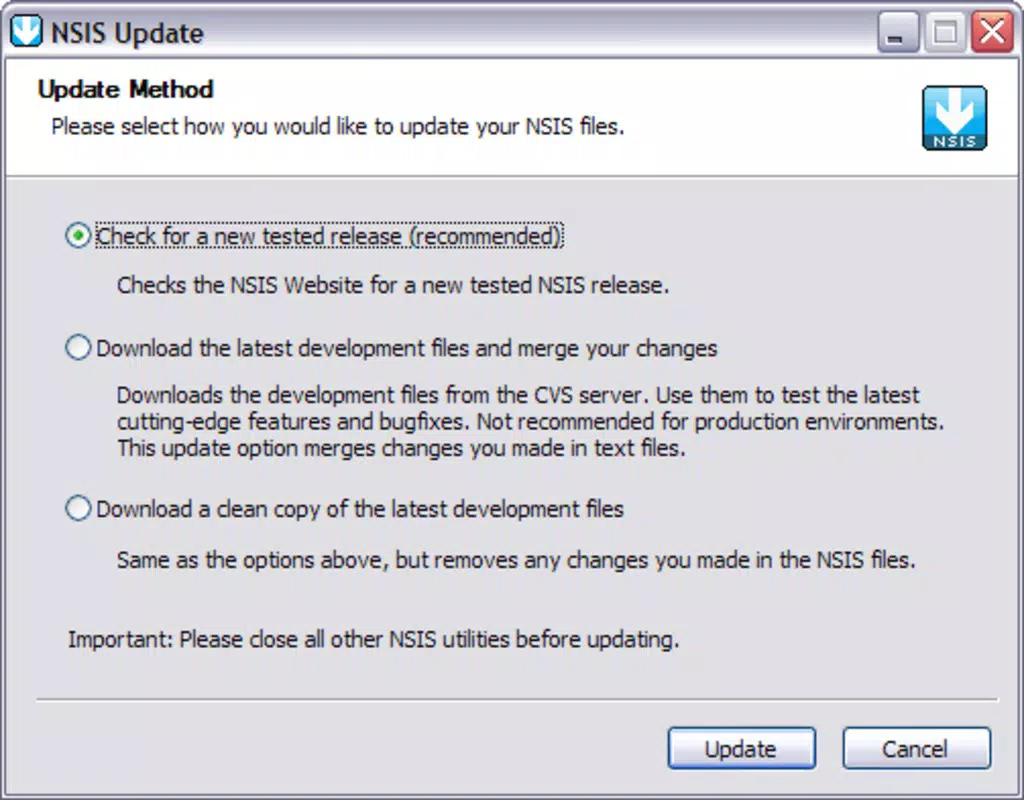
Updates are released periodically by the developer. Users should check the official website for the latest version and download the updated installer.
Do I need programming knowledge to use NSIS?
Basic familiarity with scripting is recommended. While NSIS is designed to be accessible, creating advanced installers requires understanding of its syntax and logic.
Final Thoughts
NSIS stands out as a reliable, efficient, and cost-free solution for developers who need to create professional installers for Windows applications. Its flexibility, performance, and open-source nature make it a go-to tool in the software development toolkit. Whether you're an independent developer releasing a small utility or part of a larger team managing complex software deployments, NSIS delivers the control and consistency required for successful distribution.
Its strengths lie in customization, speed, and reliability—key factors that directly impact user experience and software adoption. While it lacks a GUI and is limited to Windows, these trade-offs are acceptable given its target audience and purpose. For developers seeking a powerful, lightweight, and free setup tool, NSIS offers unmatched value.
Download NSIS now


